
How to Enrich CRM Records Automatically Without Creating Duplicate Leads
Automated enrichment makes a CRM more useful, but done carelessly it fills it with duplicate leads. Here is why it happens, the eight steps that prevent it, and a checklist you can apply to any CRM.
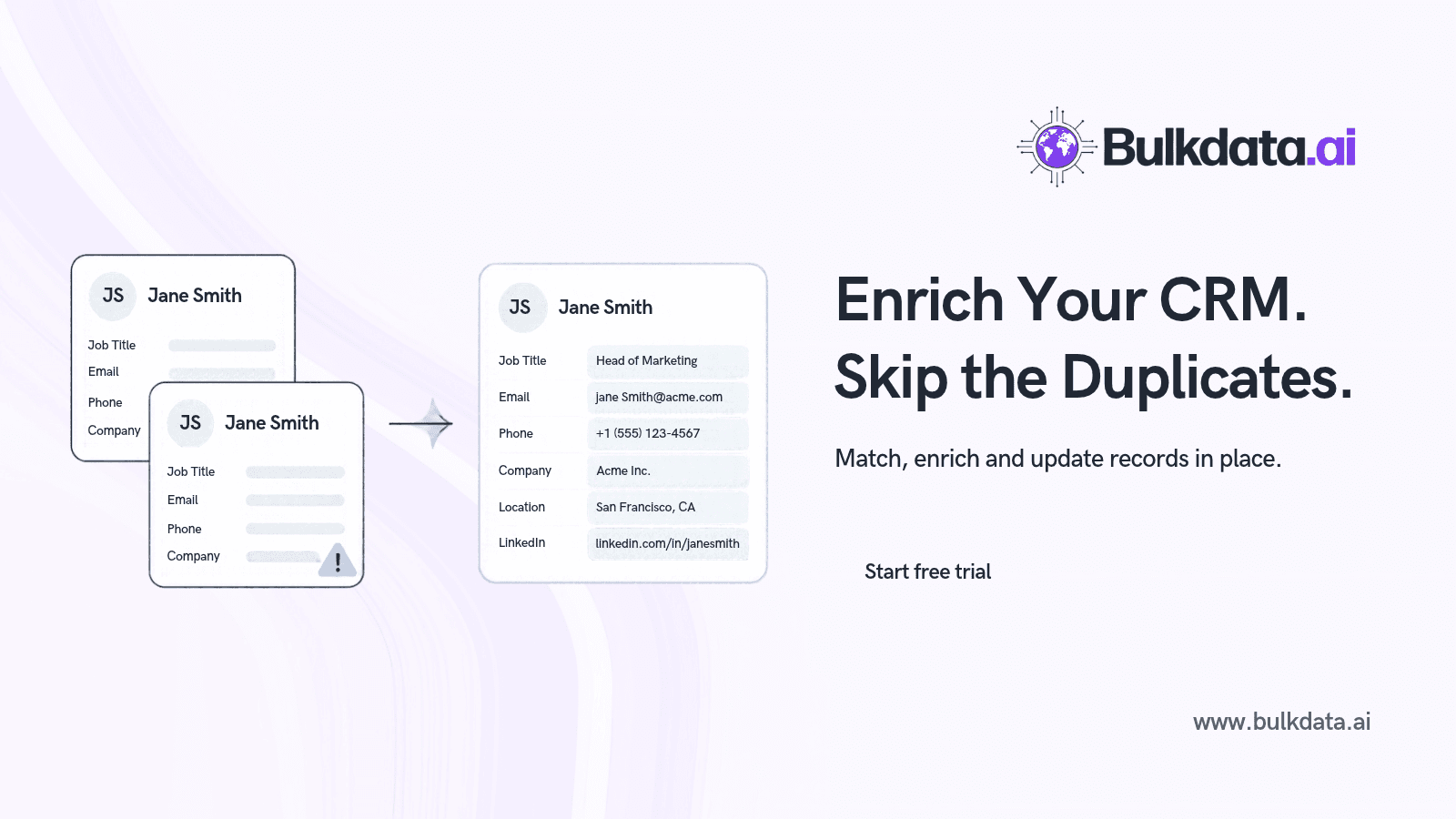
Automated enrichment makes a CRM more useful, but done carelessly it also fills it with duplicate leads. The fix is to match every incoming record against what you already hold before you write anything, and to update existing records instead of creating new ones.
This guide explains why duplicates appear during enrichment, the steps that prevent them, and a checklist you can apply to any CRM, whether that is HubSpot, Salesforce, Pipedrive or Zoho.
Why enrichment creates duplicate leads
Duplicates almost never come from enrichment itself. They come from how enriched data is written back to the CRM. The usual causes are:
- Creating instead of updating. A sync tool treats every enriched row as a new lead because it has no rule for finding the existing one.
- Inconsistent match keys. The CRM holds
john.smith@acme.com, the enrichment returnsj.smith@acme.com, and the two never match. - Formatting drift. "Acme Ltd", "ACME Limited" and "Acme" are the same company to a person and three different strings to a system.
- Job changes. A contact moves company and gets a new work email, so the enriched record looks like a stranger.
- Multiple entry points. Forms, imports, sales reps and integrations each create records with their own rules.
- Missing domain. Without a company domain, accounts cannot be matched reliably and each contact spawns its own company record.
How to enrich without creating duplicates
The order of operations matters more than the tool. Work through these steps in sequence.
- Audit and merge what you already have. Enriching a CRM that is already full of duplicates multiplies the problem. Merge existing duplicates first, using email and company domain as the primary keys.
- Choose your unique identifiers. For contacts, use the work email as the primary key and LinkedIn URL as a secondary one. For companies, use the website domain, never the company name.
- Normalise before you match. Lowercase emails, strip whitespace, reduce URLs to a bare domain, remove suffixes such as Ltd, Inc and LLC, and standardise phone numbers to E.164 format.
- Enrich the existing records, not a fresh list. Export the records you already hold, enrich that file, and keep the original record ID on every row. The ID is what lets the import update a record instead of creating one.
- Import in update mode. Use "update existing records" or an upsert, matched on record ID or email. Avoid "create new records" unless a row has no match at all.
- Send unmatched rows to a review queue. Any row that fails to match should be held for review, not created automatically. This is where genuine new leads are separated from near-duplicates.
- Protect fields people have edited. Set rules so enrichment fills blank fields and never overwrites values a rep has entered by hand, unless the new data is verified and more recent.
- Schedule dedupe and re-enrichment. Run duplicate detection weekly and re-enrich on a fixed cycle. Contact data decays, with job changes being the biggest source of drift.
| Rule | What it prevents |
|---|---|
| Merge existing duplicates before enriching | Existing duplicates being enriched twice |
| Match on email and domain, never on name | Mismatches from spelling and suffix variants |
| Normalise emails, domains and phone numbers first | Formatting differences hiding true matches |
| Keep the CRM record ID on every enriched row | Updates turning into new records |
| Import as update or upsert only | Blind creation of new leads |
| Hold unmatched rows for review | Near-duplicates entering the CRM unchecked |
| Fill blanks, do not overwrite manual edits | Loss of rep-entered data |
| Re-enrich and dedupe on a schedule | Data decay and duplicates from job changes |
How BulkData.ai fits this workflow
BulkData.ai suits the export, enrich and update-in-place approach described above. You upload a CSV or XLSX of up to 50,000 rows, and the platform detects whether your columns describe people, companies or both. It then appends new fields while keeping your original columns and row order, so the CRM record ID you exported stays attached to every row. That makes the final import a clean update rather than a new-lead creation.
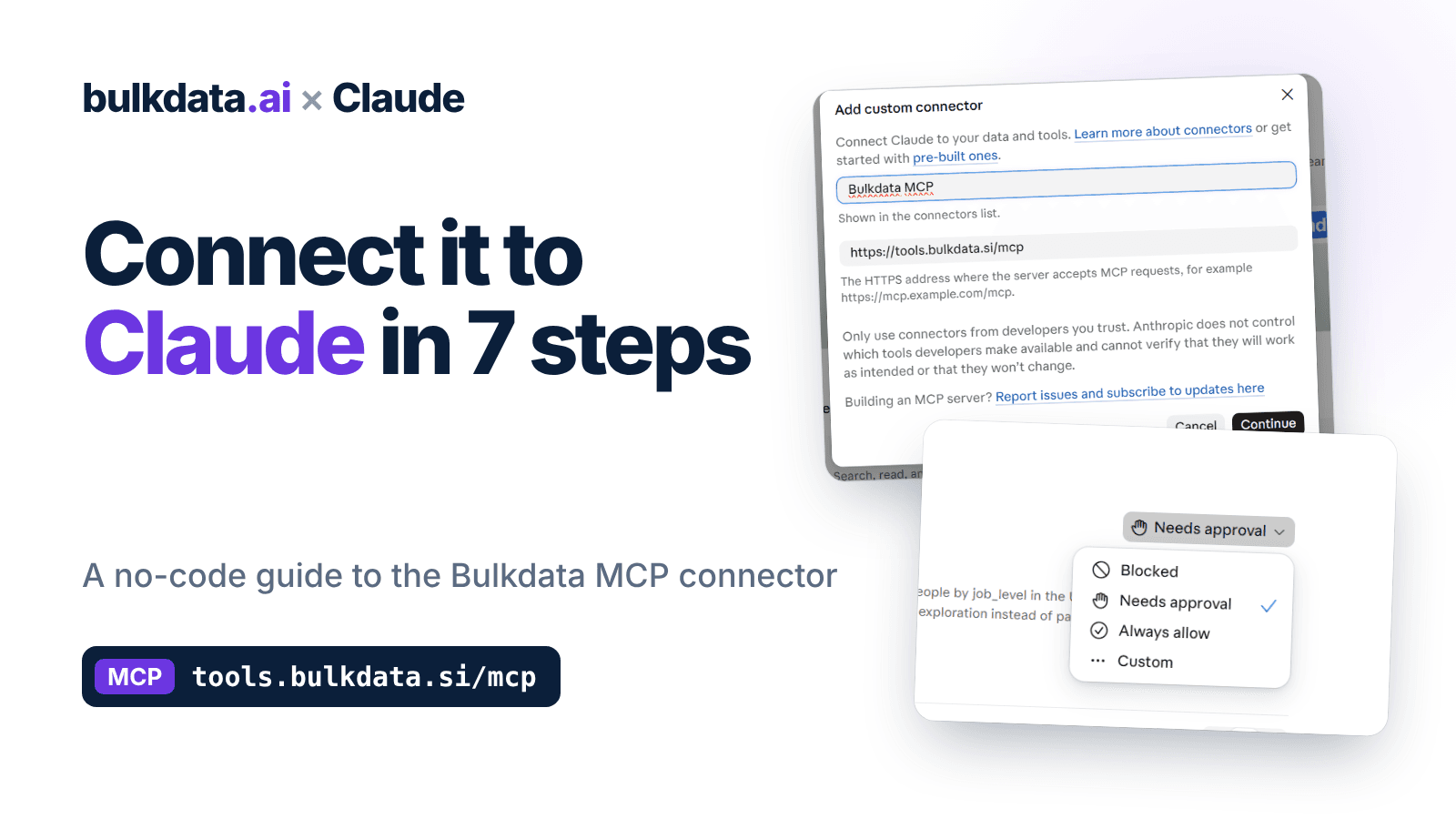
Enrichment draws on 50+ data points, including verified emails and direct dials, and most files finish within minutes with an email when ready. Buying signals such as job changes and contact detail changes also help you spot the records most likely to have drifted since the last enrichment run. If you work with an AI assistant, the BulkData.ai MCP server lets Claude, ChatGPT, Gemini, Grok or Cursor search, enrich and reveal contacts directly.
Conclusion
Clean enrichment comes down to three habits: match on stable keys, carry the record ID through the whole process, and import as an update. Do those and every enriched field lands on the record it belongs to.
Ready to try it on your own CRM export? Start a free trial at BulkData.ai and enrich your first file without a credit card.