
Real-time B2B Data vs. Static Contact Lists: Which Is Better for Sales Teams?
Real-time B2B data works best when you need current information. Static contact lists work best for one-time campaigns and market planning, where low cost matters more than freshness.
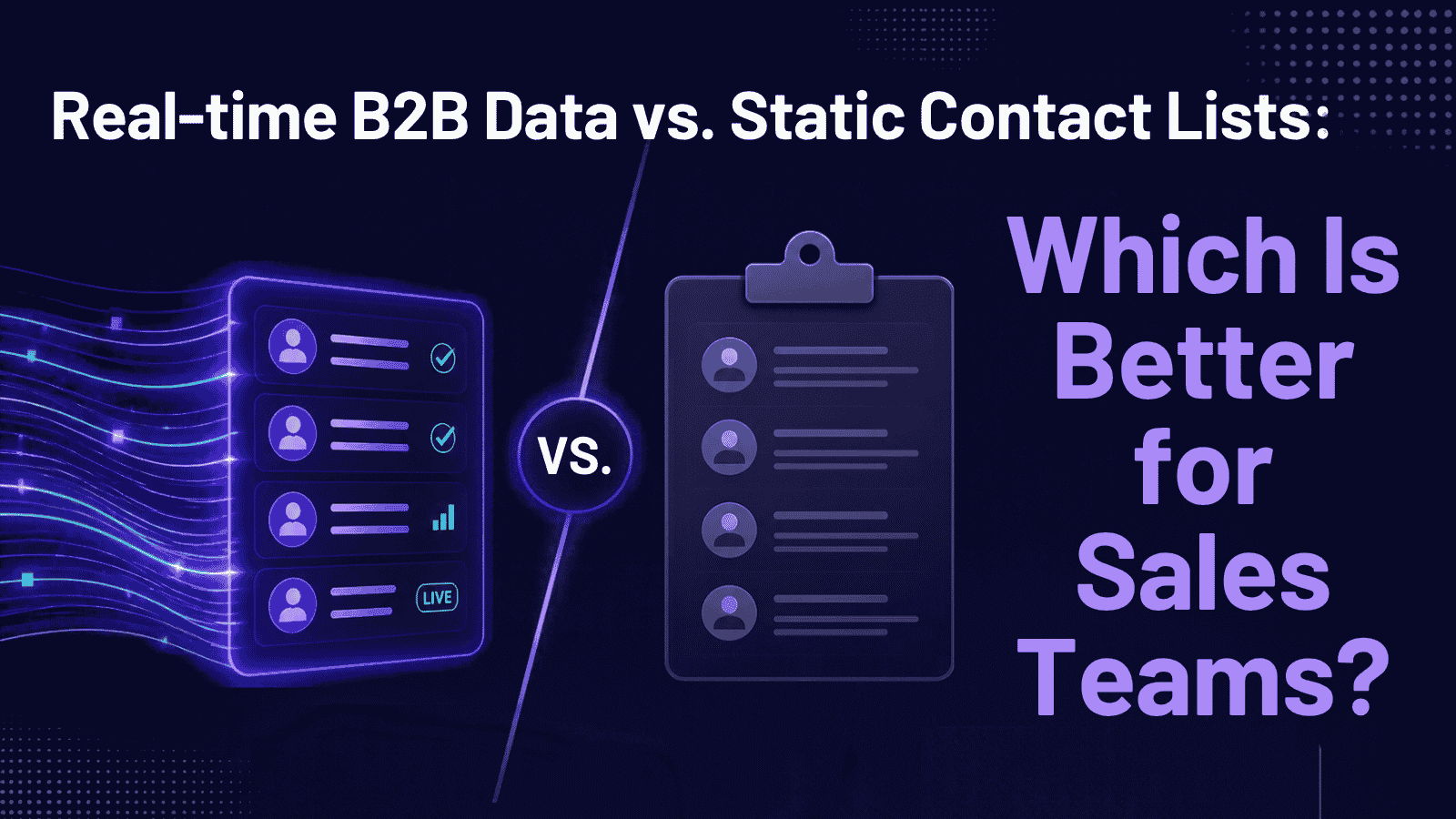
Neither is better in every case. Real-time B2B data works best when you need current information, like routing new leads or reaching out when a contact changes jobs. Static contact lists work best for one-time campaigns and market planning, where low cost matters more than freshness. Most sales teams use both, so pick a B2B data provider that supports each.
What’s the Difference?
A static contact list is a file (usually a CSV) of companies and contacts exported on one day. It starts going out of date as soon as you download it.
Real-time B2B data means you get current information when you need it, either through a live lookup or through records that update automatically. The term isn’t strictly defined, so some providers use it for data that refreshes only every few weeks. Always ask how often each field is updated.
| Factor | Static list | Real-time data |
|---|---|---|
| Freshness | Fixed at export date | Current at lookup or refresh |
| Cost | Usually lower per record | Usually priced per lookup or credit |
| Setup | Download and upload | Needs a CRM or API connection |
| Best for | Planning, one-off campaigns | Lead routing, CRM upkeep, triggers |
Why Freshness Matters
People change jobs, companies merge, and email domains get shut down. Outdated data causes real problems:
- Bounced emails that can hurt your sending reputation.
- Wasted rep time on contacts who have left.
- Wrong lead routing when company size or location is out of date.
- Compliance risk. An old list can bring back contacts who already opted out. Under CAN-SPAM, you must honor opt-outs within 10 business days.
When a Static List Is Enough
Choose a static list when you need speed and low cost:
- Estimating your total addressable market (TAM) before you commit budget.
- One-time campaigns, such as a webinar invite.
- Analysis where you need a stable dataset to segment or score.
- Small teams without time to maintain integrations.
Even then, verify emails right before you send.
When Real-Time Data Is Worth It
Choose real-time when timing matters:
- New leads: add company details when a form is submitted so the right rep gets the lead quickly.
- Job changes and buying signals: a past customer who joins a new company is a warm prospect, and funding or hiring news can signal budget.
- CRM upkeep: keep titles, companies, and emails current instead of letting them drift.
- Account-based selling: keep buying-committee contacts up to date.
The trade-offs are higher cost, usage limits, and some setup work to connect the data to your CRM.
How to Decide
- Check how fast your data decays. Re-verify a sample of your current contacts and count how many fail.
- Split by use case. Use static lists for planning and one-time sends, and live enrichment for lead handling and CRM upkeep.
- Ask how and when data is refreshed. Find out whether updates happen on a schedule, on request, or when a source changes.
- Test on your own audience. Evaluate any B2B data platform with a sample that matches your ideal customer profile, not just its total database size.
- Confirm CRM integration before you rely on live enrichment.
Bulkdata.ai suits teams that need to build segmented contact lists at volume and keep them usable afterward. Whichever tool you choose, audit a sample for accuracy before you scale.
A static list is a snapshot, and real-time B2B data is an ongoing feed. Use static lists for planning and single campaigns, and real-time data for lead routing, trigger-based outreach, and CRM accuracy. When you choose a B2B data provider, look at how often data refreshes, how it’s verified, and how it connects to your CRM, not just the “real-time” label.