Capability 01 / 06
Prospect Discovery
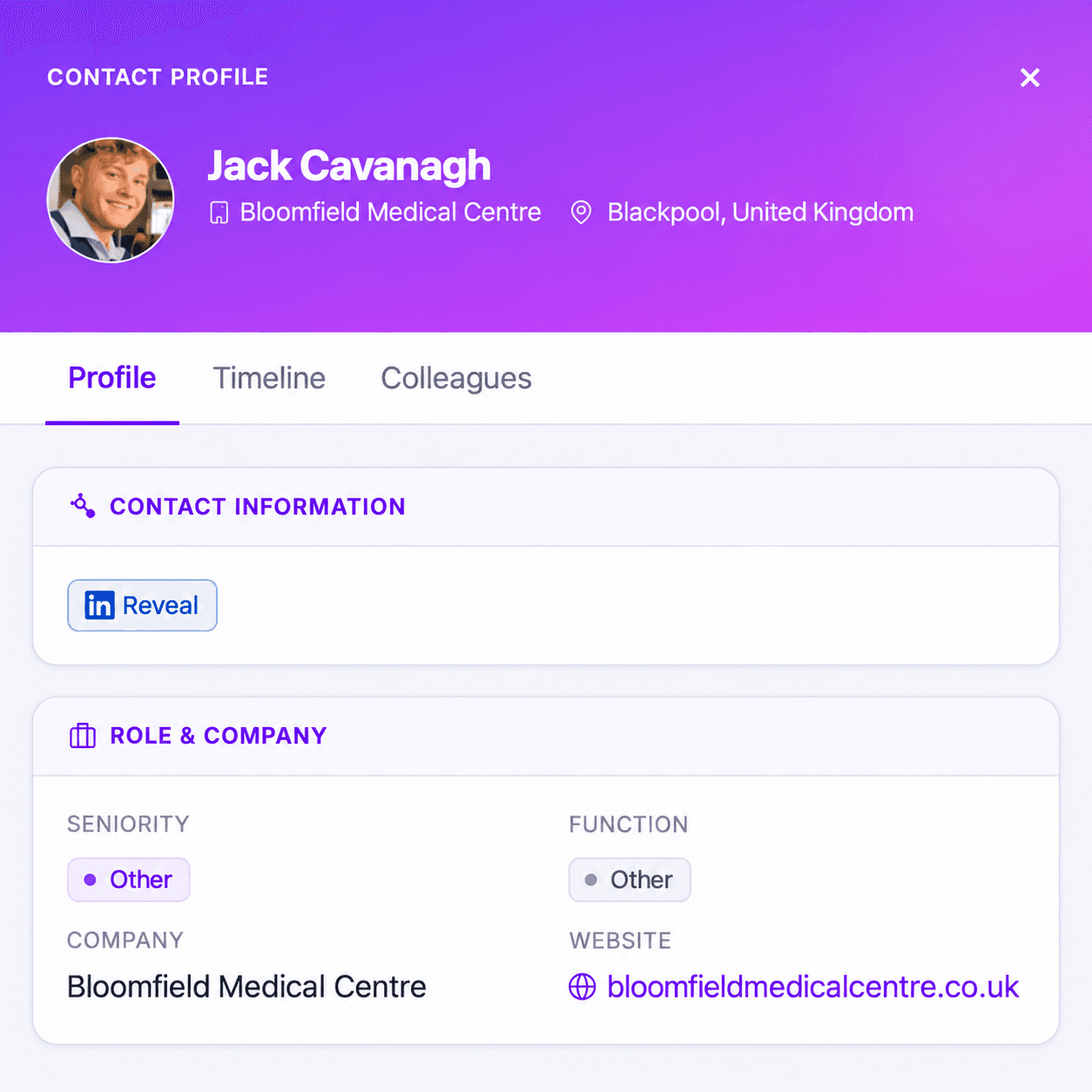
Find net-new contacts matching your ICP across 390M+ verified profiles. Filter by title, seniority, industry, company size, and 50+ signals.
Explore prospect discovery
For Sales & SDR Teams
Access 40M+ verified mobile numbers and real-time buying signals. Know exactly who to call, when to call, and what to say — before they raise their hand.

Features
From prospect discovery to sequence launch — stop spending half your day on research and start spending it in conversations.
Capability 01 / 06
Find net-new contacts matching your ICP across 390M+ verified profiles. Filter by title, seniority, industry, company size, and 50+ signals.
Explore prospect discoveryCapability 02 / 06
40M+ verified mobile numbers with an 85%+ live-answer connect rate. Stop leaving voicemails on work lines nobody picks up.
Explore direct dialsCapability 03 / 06
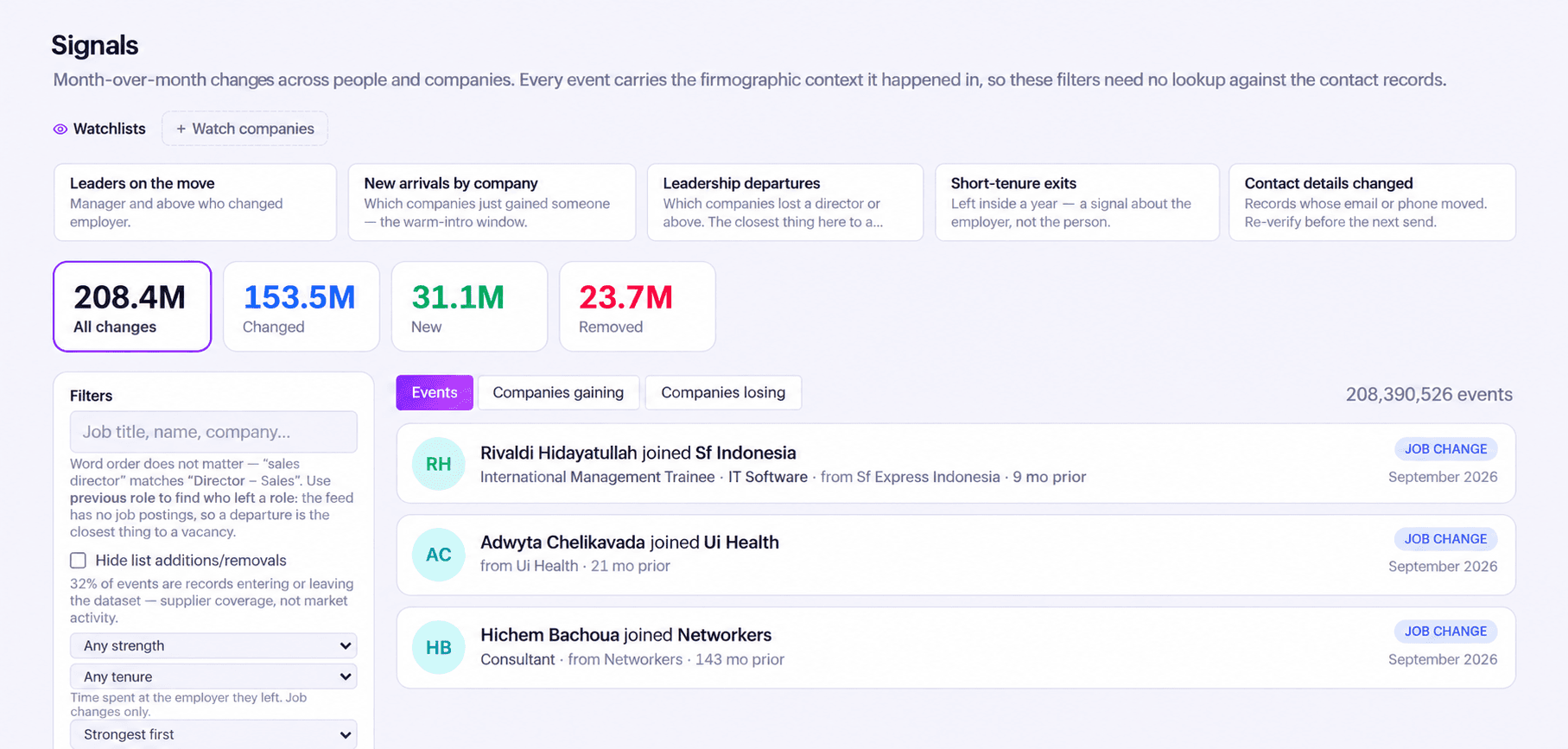
Get notified the moment a target account shows purchase intent — job postings, tech installs, funding events, and third-party intent signals.
Explore buying signal alertsCapability 04 / 06
Export verified contacts as a CSV for your outbound workflow. Export is free; credits are only used when you reveal contact details.
Explore list exportCapability 05 / 06
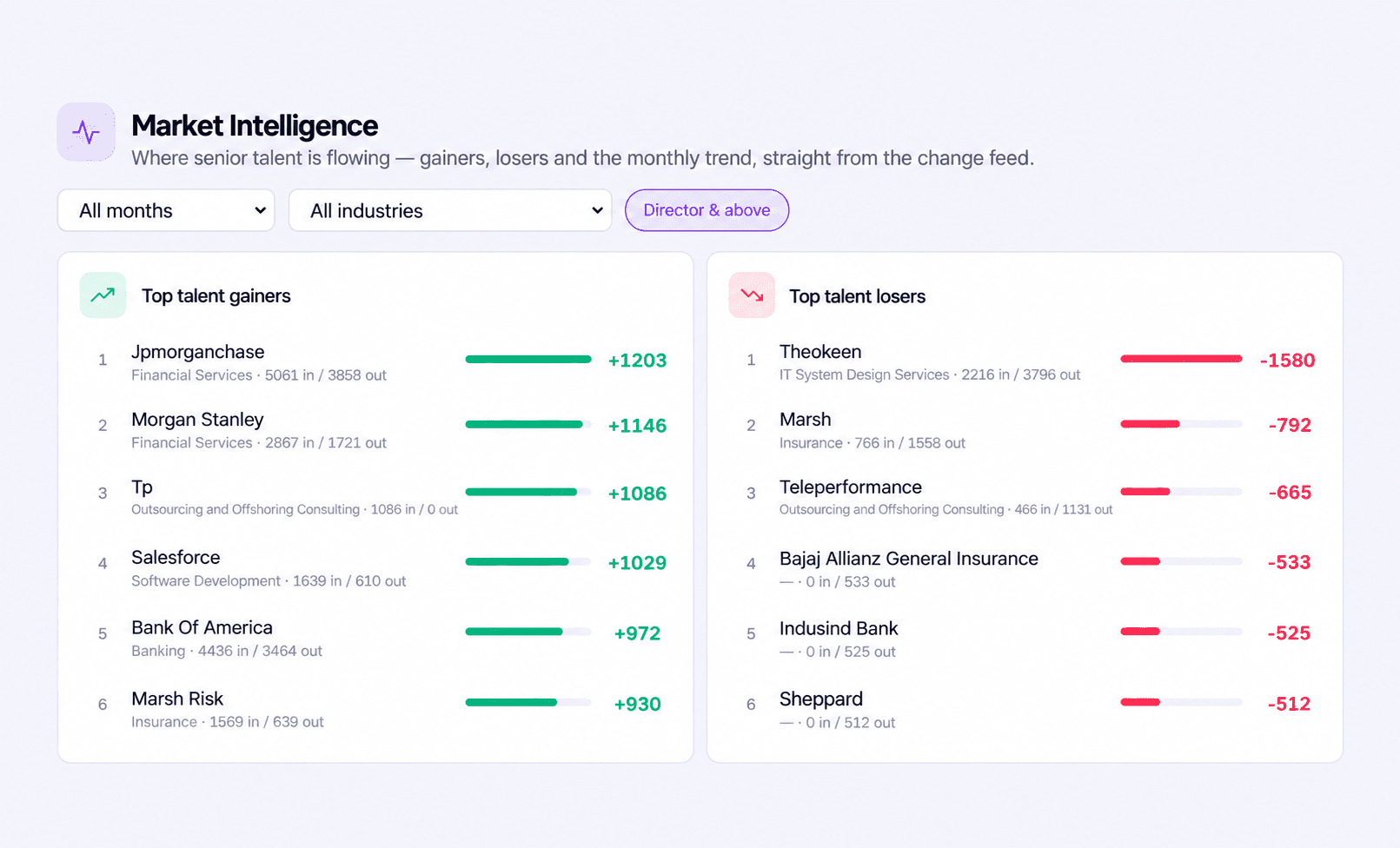
See funding rounds, headcount changes, new executive hires, and tech stack installs before every call. Walk in with context, not cold.
Explore account intelligenceCapability 06 / 06
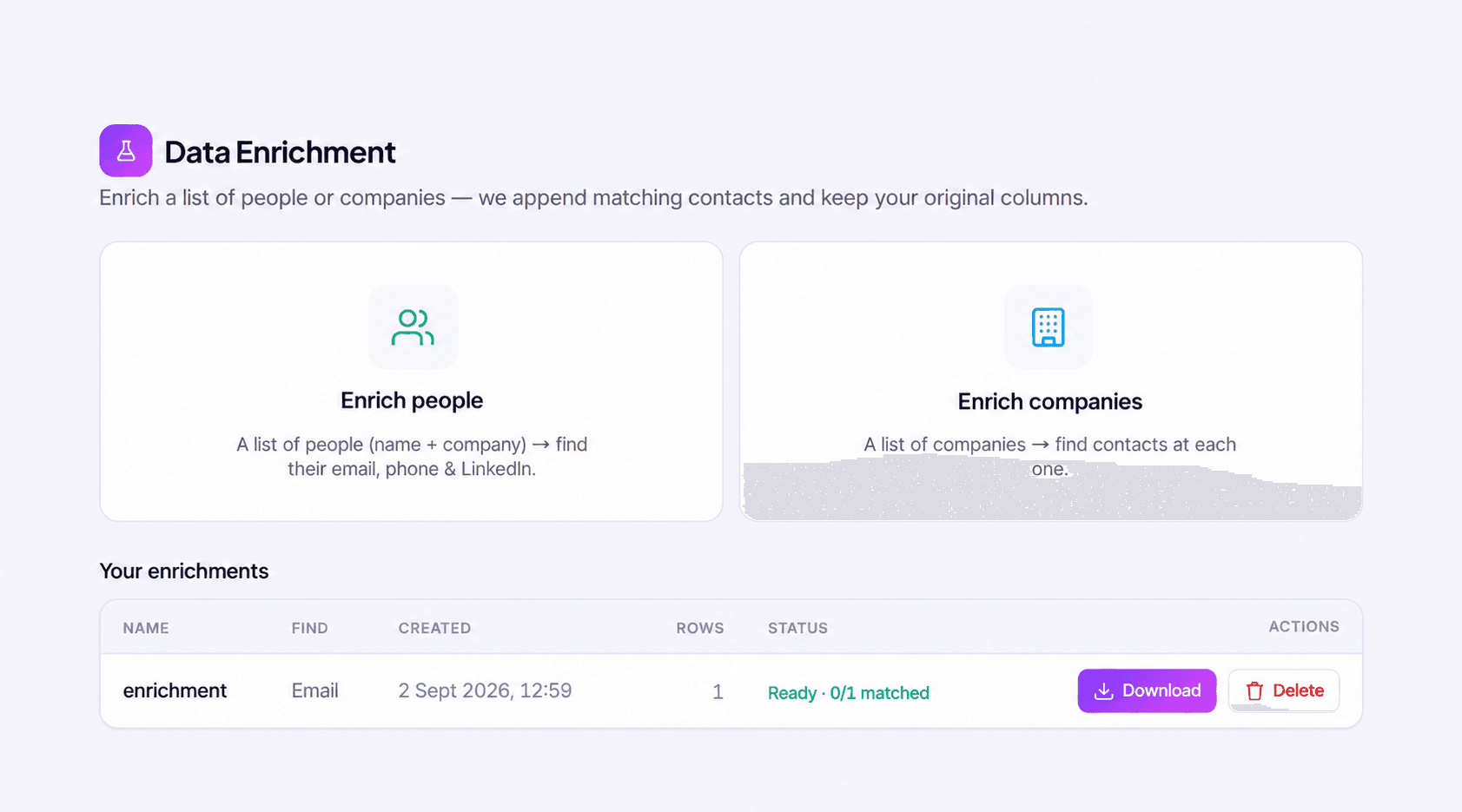
Fill missing fields in an export of your CRM records and re-import the clean file. Original columns stay intact, so nothing you already hold is overwritten.
Explore crm enrichmentHow It Works
Define account fit, review the contact and signal context, and choose a supported handoff to your sales workflow.
Define your ICP by title, industry, company size, and geography. Bulkdata.ai surfaces matching prospects with verified contact details.
Prioritise accounts showing active buying intent. Get alerted to funding events, tech installs, and hiring signals that indicate timing.
Review account intelligence cards with news, headcount, exec changes, and recent activity — in seconds, not hours of manual research.
Review the matches, reveal the contacts you want, then export the shortlist as a CSV for your existing sales workflow.
Sales prospecting playbook
A useful B2B prospecting list combines account fit, the right decision-maker and a reason to reach out. Use these checks before handing contacts to an SDR or account executive.
Define the industries, company sizes and territories your team serves. Within those accounts, filter people by function, seniority and title. Review a sample before expanding the search: similar job titles can carry different responsibilities at a startup and an enterprise. Keep separate lists when the buying role or sales message differs.
Find B2B decision-makersHiring, funding, leadership moves and technology changes can explain why an account deserves attention. Check the event alongside the company profile and connect it to the problem your product solves. A signal is a reason to investigate; it does not establish budget, purchasing authority or an agreement to take a meeting.
Explore account buying signalsCompare the shortlist with existing CRM records, choose the contact channels you need and confirm the destination field mapping. Export the list as a file for your own system, or work from an AI assistant through the MCP server. Review duplicates and record ownership before launch, then assess replies and qualified conversations to refine the next search rather than judging the list by its size alone.
Set up the B2B data MCP serverPractical answers to help you evaluate the data and plan your workflow.
Sales intelligence combines contact details, company information and account changes to support prospecting. Sales teams use it to find relevant decision-makers, prepare for conversations and prioritize research. Bulkdata.ai brings together people search, company profiles, enrichment and buying signals; your team still qualifies the account and decides how to approach it.
Start with accounts that fit your ideal customer profile, then review relevant events such as hiring, funding or leadership changes. Use the event to inform your research and outreach message. A buying signal suggests a possible change in priorities; it does not guarantee purchasing intent, a reply or a booked meeting.
Review a sample for account fit, role relevance, available contact channels and overlap with your CRM. Separate distinct territories or buying roles when they need different messaging. After outreach, compare replies and qualified conversations by segment. Contact volume alone does not show whether a list is helping the sales team.
STOP SETTLING FOR BLIND SPOTS
Search people and companies, enrich records with verified emails and phones, and export clean data as a CSV.