
An afternoon spent cross-referencing a spreadsheet against the CRM row by row
Matches are previewed for free, so you can check the overlap with your own records before you spend a credit

Prospecting
Go from ICP definition to an outreach-ready contact list in minutes. Filter verified B2B contacts by job title, seniority, company size, industry, technology stack and buying signals, then suppress contacts already in your CRM to eliminate duplicates before you export — verified emails and direct dials included.
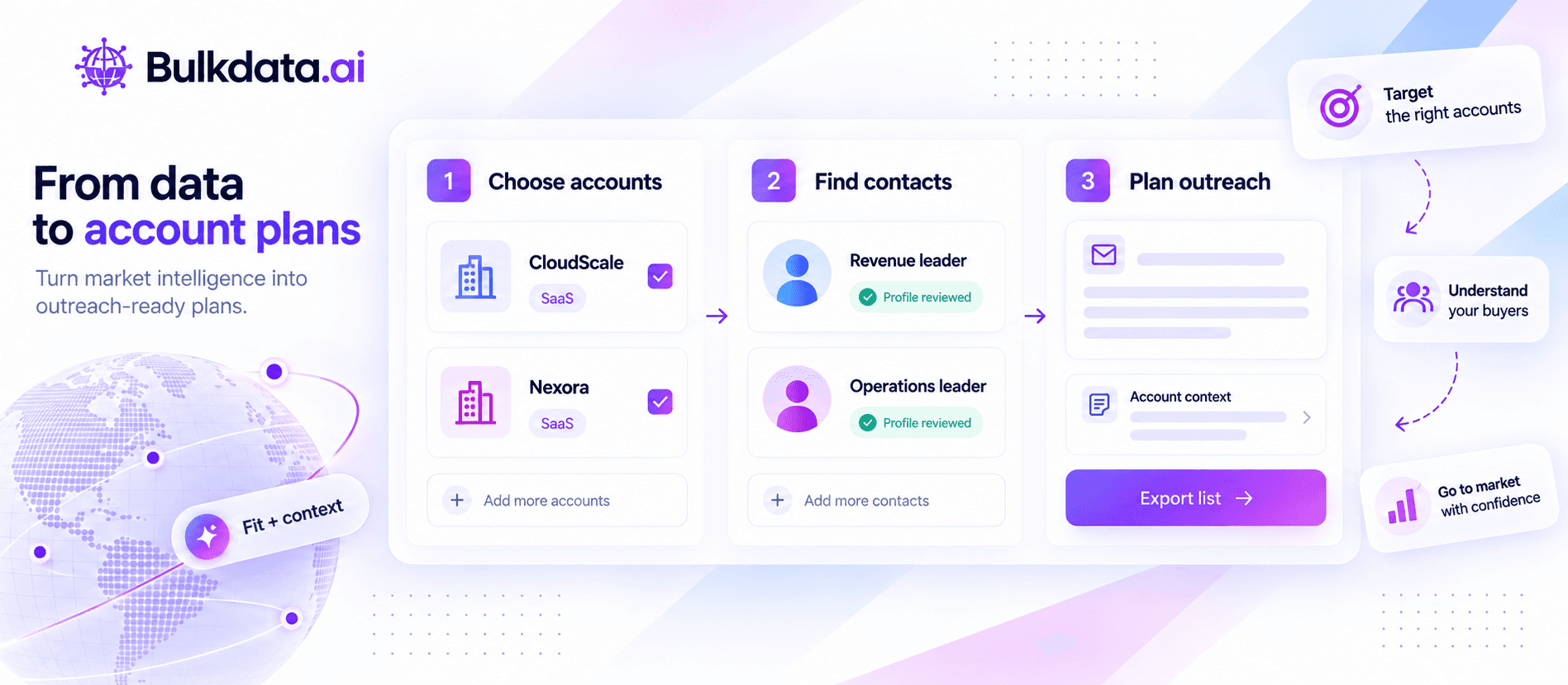
No spreadsheet cross-referencing, from ICP to an export-ready list.
Filter by title, seniority, industry, revenue, headcount, location and buying signal, then save the search so it keeps working after today.
Searching and previewing matches is free, so you can compare them with the records you already hold and reveal only the contacts that are new to you.
Download the list as a CSV, free of charge, and load it into your own outreach tools. Check your destination fields before importing.
When a new record matches a saved ICP, it lands in your feed automatically, so the list stays current instead of going stale between searches.
Prospecting with a purpose
B2B prospecting connects three decisions: which accounts fit, who owns the relevant problem, and what makes a conversation timely. Bulkdata.ai brings people, company context and change signals into that research process.
Start with fit
Choose one audience and one problem before widening your search. A list of operations leaders at mid-sized logistics companies gives a rep a clearer starting point than a mixed list of senior contacts across unrelated industries. Use company and role filters to keep that focus.
TakeawayDefine what the contacts have in common before deciding how many names you need.
Add context
A job move, leadership arrival or change in company context can give you a reason to look again at an account. Review the event and the person’s current role before referring to it. A signal is a starting point for investigation, not proof that someone is ready to buy.
TakeawayConnect the research to a relevant business question instead of sending the same congratulations message to every new hire.
Prepare the handoff
Before export, check the selected contacts against your existing accounts and active opportunities. Carry the segment, account context and intended owner into your outreach process. Use a CSV or a supported integration for the destination your team actually works in.
TakeawayConfirm field mapping and ownership before launching outreach, then use the response quality to refine your next search.
Keep research, account context and contact selection connected as you prepare the next outreach list.
An afternoon spent cross-referencing a spreadsheet against the CRM row by row
Matches are previewed for free, so you can check the overlap with your own records before you spend a credit
Paying to reveal a contact your team already has sitting in the CRM
Searching and previewing are free, so credits go only on the contacts you choose to reveal
A list that is accurate the day you build it and stale two weeks later
Saved searches re-run on their own and alert you the moment a new person matches
Avoiding repeat spend, exporting lists, and how a list stays current.
Searching and previewing are free, and credits are only charged when you reveal a contact. Compare the previewed matches with the records you already hold and reveal only the ones that are new to you.
Export the list as a CSV and import it into your outreach tool. Exporting is free, and credits are only charged on reveals. Check your destination fields before importing.
Yes — save the search behind any list and Bulkdata.ai alerts you when a new record matches it, so the list grows on its own instead of going stale.
The same underlying search you would run on /people-search or /company-search — Prospecting is the workflow layer that turns that search into a list ready to export.
Edit the filters at any point — title, seniority, industry, revenue, headcount, location and signal criteria can all change without losing the suppression or alert history already built on that search.
Building the list starts with a search: People Search helps you find relevant contacts, while Company Search helps you choose the accounts to approach.
STOP SETTLING FOR BLIND SPOTS
Search people and companies, enrich records with verified emails and phones, and export clean data as a CSV.